
Appearance
The event check
Check event looks through the event for what is likely to go wrong on the day: a class nobody can be scored in, two runners on one card, a runner with no card. It changes nothing; it tells you what it found, and lets you fix each thing from where you are.
This page shows every problem the check can report, what it means, and how to fix it.
Running the check
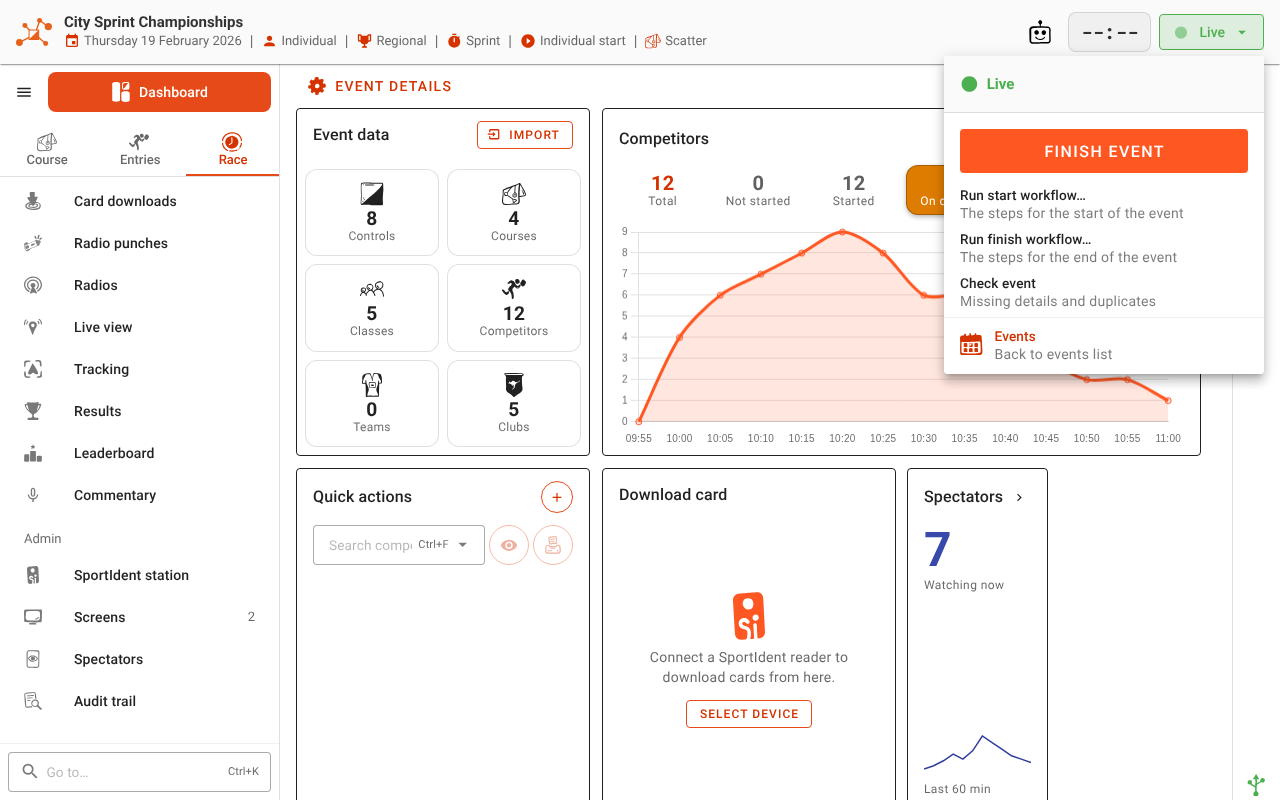
Open the state menu (the Setup, Live or Finished button at the right of the app bar) and click Check event. It is there in every state, so you can run it while you set up, during the race as late entries arrive, or afterwards.
Start event runs the same check first. If it finds anything above Info, Before you start lists it, and you can Start anyway or Cancel and fix it first. Info alone never stops a start.
Reading the report
The report has a section for each grade, most severe first:
- Critical — results will be wrong or missing for somebody unless it is fixed.
- Serious — very likely to cause trouble on the day.
- Warning — worth a look; often fine, sometimes a mistake.
- Info — tidy-up, and things worth knowing.
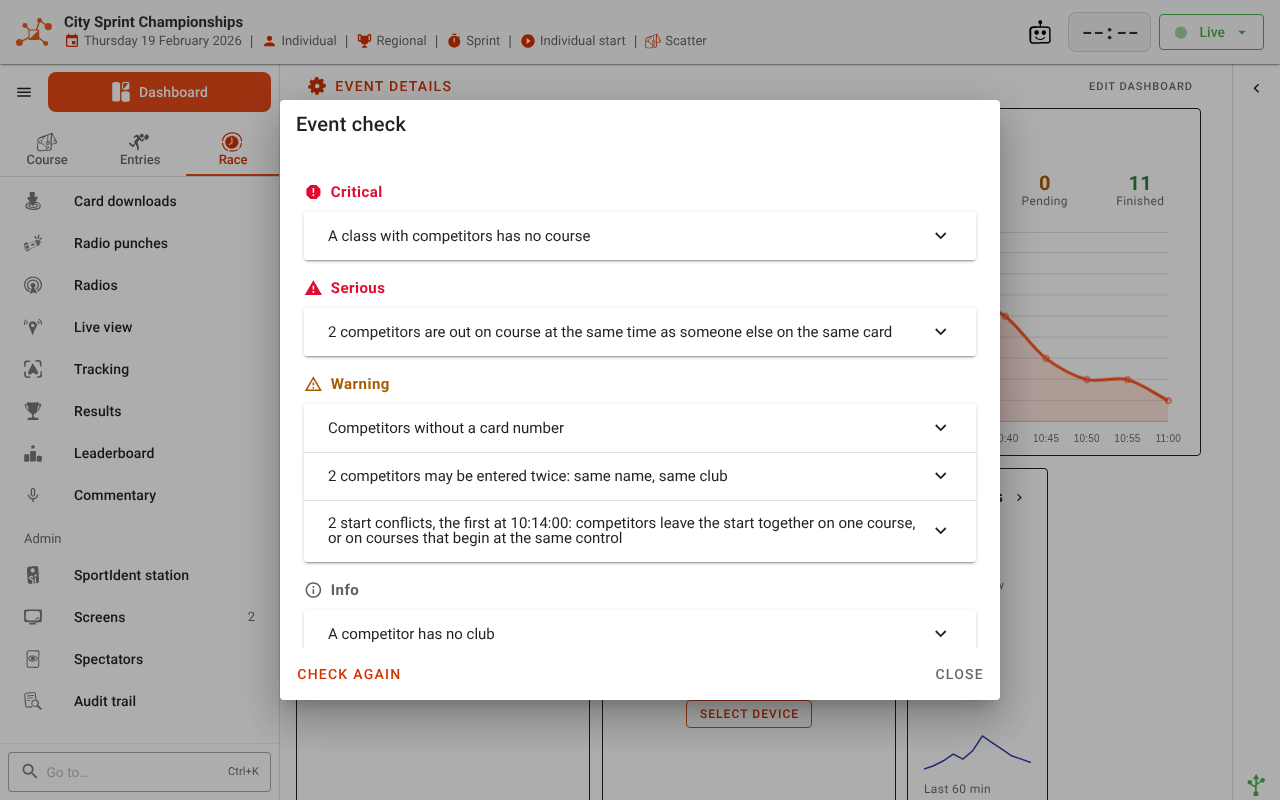
Each problem is one line. Click it to open it: it lists up to 25 of the competitors, classes, courses or teams it is about. Duplicates are gathered under what they share — the card number, the bib, the name — and beside each name is what tells them apart, such as a competitor's class, course and start time.
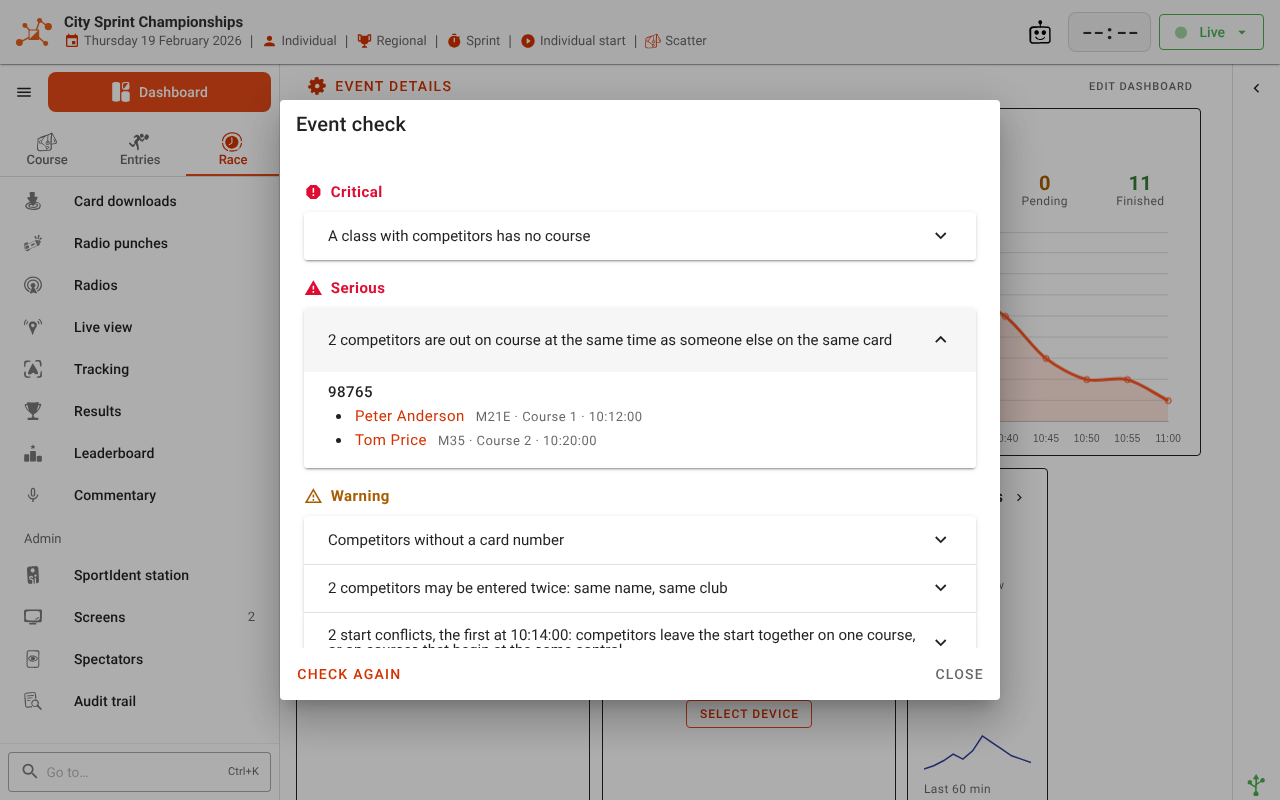
Click a name to fix it there and then. A competitor opens Edit competitor; a class, course or team opens its own edit dialog. The report stays open behind it, and runs again when you save. A problem with nothing to list — no courses, classes or competitors at all — has a Go to link to the screen where you add them instead.
Competitors who are DNS, Not participating or Cancelled are left out of the card, start, duplicate and team checks: a withdrawn runner sharing a card is nobody's problem.
The check doesn't look at your map or your radio controls. When it finds nothing, it says No problems found.
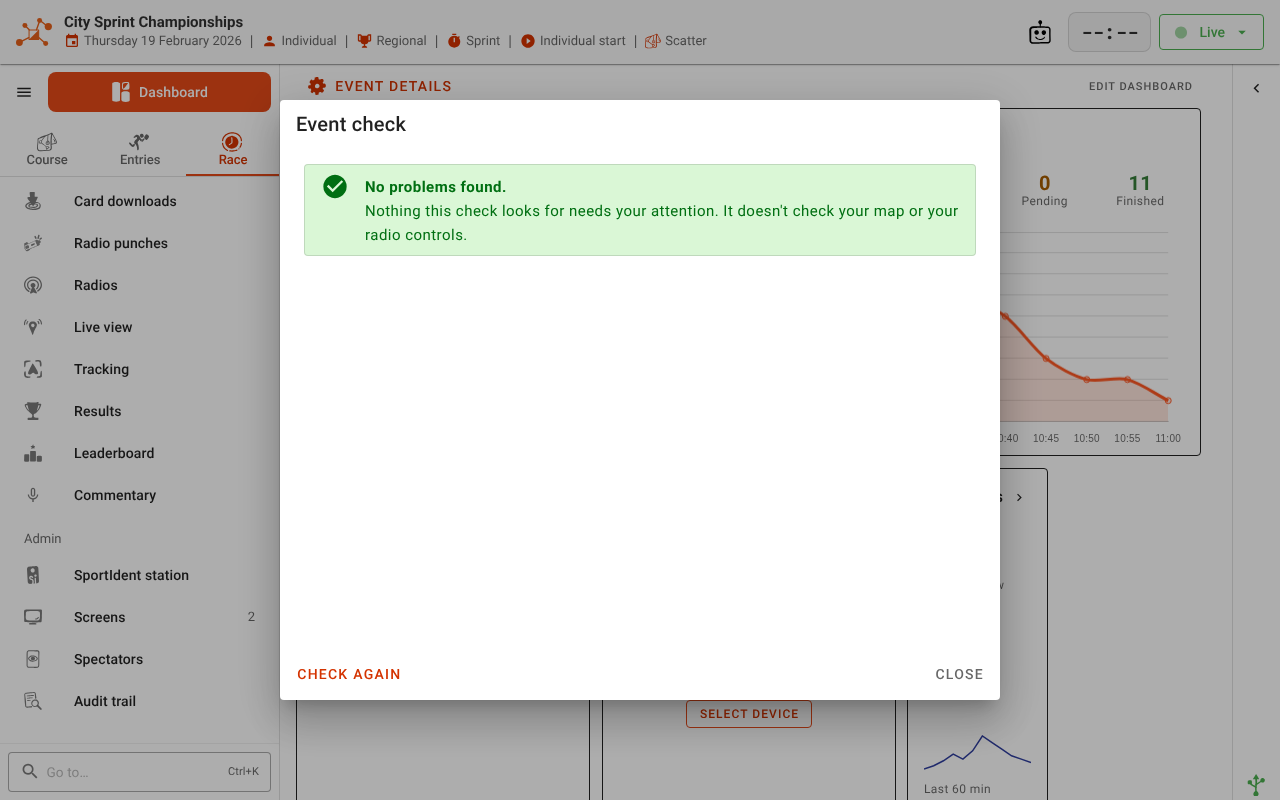
If the check itself fails, the dialog says The event could not be checked rather than showing an all clear. Click Check again. If Start event couldn't run the check, a message says so and the event starts anyway.
Critical
No courses have been created
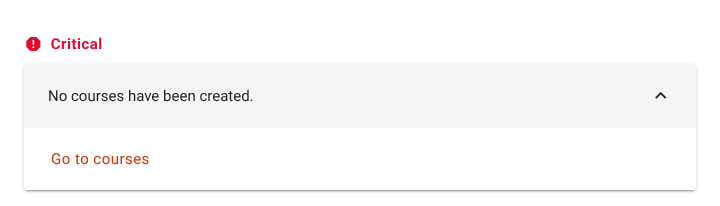
What it means: the event has no courses, so nobody can be scored.
How to fix it: click Go to courses, then import your courses from Purple Pen, OCAD or Condes, or add them by hand. See Importing event data and Creating a course by hand.
No classes have been created
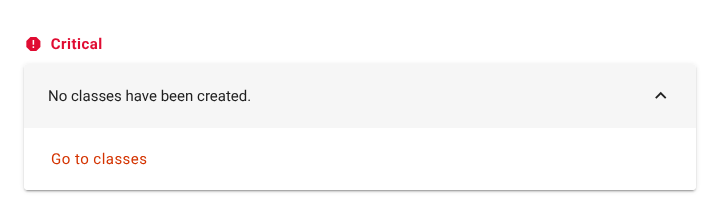
What it means: the event has no classes, so no competitor can be placed or given a course.
How to fix it: click Go to classes, then import classes, create them by hand, or create one per course. See Creating a class by hand and Auto-creating classes from courses.
A class with competitors has no course
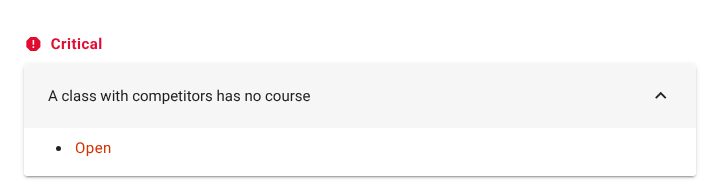
What it means: people are entered in the class, but it has no course. Their cards can't be checked, so none of them will get a result.
How to fix it: click the class, and in Edit class give it its course. See Assigning courses to classes. If the class shouldn't exist, move its competitors to the right class first.
A multi-part class's courses and changeovers don't match
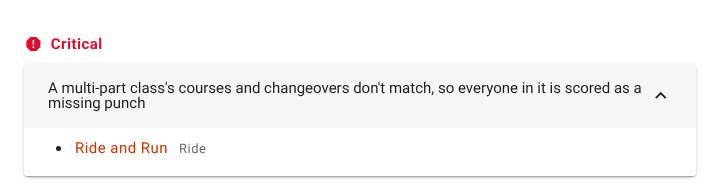
What it means: the class runs several courses one after another on one card, and its list of courses no longer agrees with its changeovers — usually because one of the courses was deleted. Until it's fixed, everyone in the class is scored as a missing punch. Beside the class are the courses it has now.
How to fix it: click the class. In Edit class, put back the missing course, or set a changeover for each boundary between the courses that are there. See Classes whose competitors do every course.
A competitor has no class
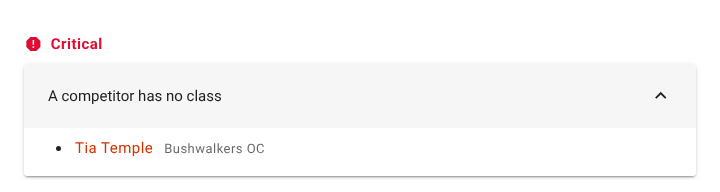
What it means: the competitor isn't in any class — usually because their class was deleted. They can't be scored or placed. Their club is shown beside their name, to help you work out where they belong.
How to fix it: click the competitor and choose their Class in Edit competitor.
Serious
No competitors have been added
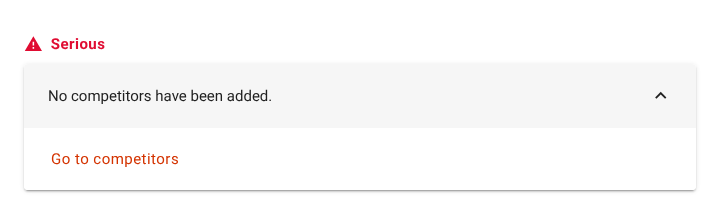
What it means: nobody is entered yet. Fine while you set up, but an event started like this only has the competitors you add on the day.
How to fix it: click Go to competitors, then import the entries or add competitors. See Importing event data, or Late entries for adding them on the day.
A class has more than one course, which a scatter or score event cannot choose between
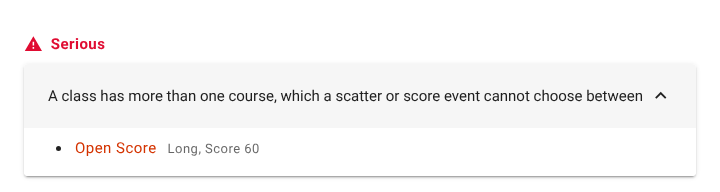
What it means: the class has a pool of courses, and one of them is a score or scatter course. Manager picks a pool member by matching a card's punches to a course, which can't be done when a course has no fixed order. Beside the class are its courses.
How to fix it: click the class and give it one course. If its competitors run all its courses one after another, set Competitors do to All courses instead. See Score and scatter courses and Course pools.
A course in use has no controls
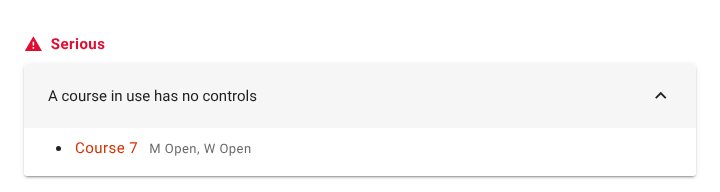
What it means: a class runs this course, but it has no controls. Every card read against it is judged against an empty course. Beside the course are the classes that use it.
How to fix it: click the course and add its controls on the Controls tab of Edit course, or re-import the course file. If the classes should run a different course, change their course instead.
A competitor has no name
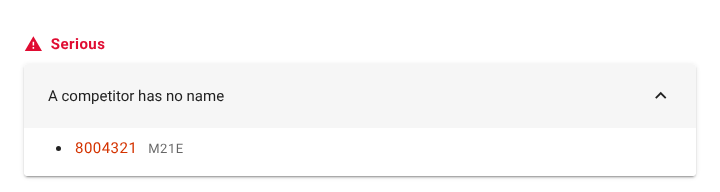
What it means: the entry has neither a given nor a family name — often a card downloaded before anyone said who carried it, which is shown by its card number. Results, start lists and screens show a blank.
How to fix it: click it and fill in the name. If nobody knows whose card it is, see Unknown cards.
A competitor is out on course at the same time as someone else on the same card
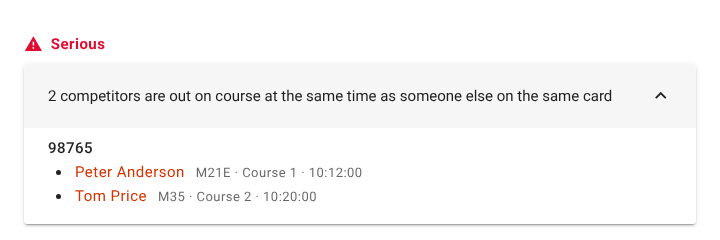
What it means: two or more competitors on one card have both started (are in the forest, or have checked in) and neither has downloaded. Only one of them can really have the card, and the download will go to only one of them. Each is shown with their class, course and start time, so you can tell who has it.
How to fix it: find out who is carrying the card, then click the others and correct their Card number. See Lost cards and shared cards.
An entry shares a bib number with another
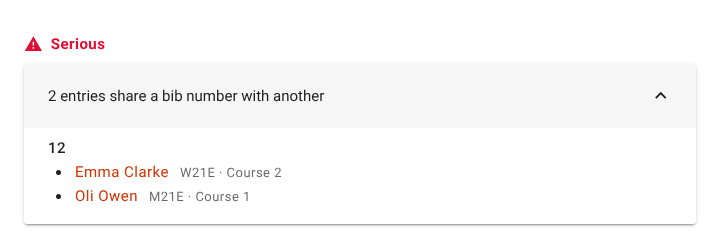
What it means: two entries wear the same bib. Relay teams are compared as teams. Anyone reading a bib off a runner — at the finish, on the commentary — will find two people.
How to fix it: click one of them and give it another bib number, or renumber the classes with Bib numbers.
Warning
A class nobody is entered in yet has no course
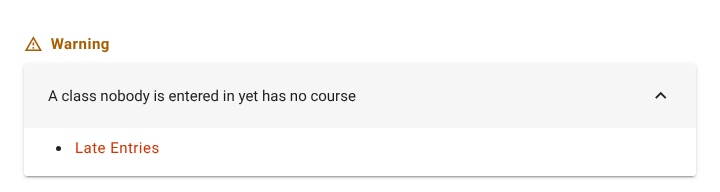
What it means: the class is empty now, but a late entry into it couldn't be scored.
How to fix it: click the class and give it a course, or delete it if it isn't needed.
Competitors without a card number
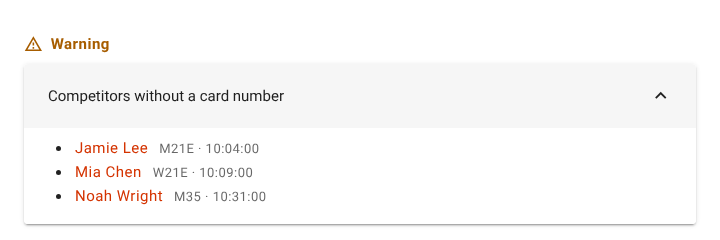
What it means: these competitors have no card number yet. Often fine — hire cards are commonly handed out at the start — but a download can't find them until they have one. Beside each is their class and start time, so you can see who is due out first.
How to fix it: click a competitor and enter their Card number when you know it. If they download first, the read waits as an Unknown card until you assign it. See Card numbers.
A competitor shares a card number with someone else
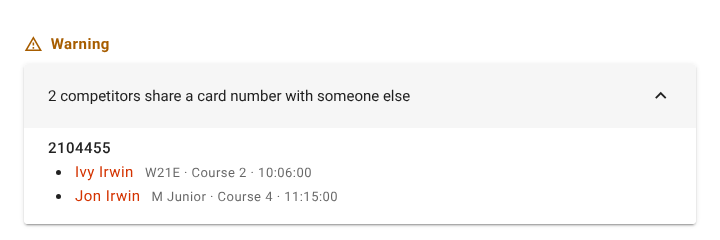
What it means: more than one competitor who hasn't downloaded yet has this card number, and at most one of them has started. That is normal for a card handed on — a family sharing one card, a hire card going out twice — since each download goes to the next person on the card who hasn't downloaded. Once a runner has downloaded they drop out of this check. It's a mistake if they will be out at the same time; check their start times.
How to fix it: if it's intended, nothing. If not, click the competitor with the wrong number and correct it. Once two of them are on the course at once, this becomes the Serious out on course on the same card.
A competitor may be entered twice: same name, same club
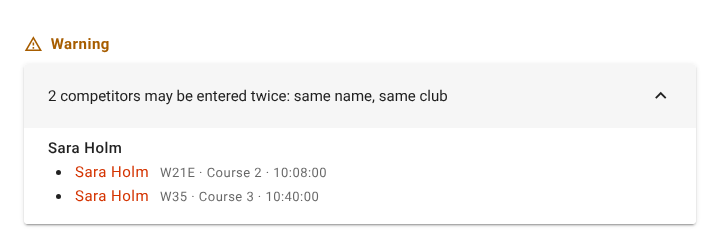
What it means: two entries have the same name and the same club (ignoring capitals and spaces). Usually one person entered twice; sometimes two people with one name. Beside each is their class, course, start time and status, to help you decide which to keep.
How to fix it: click the entry that shouldn't be there and delete it in Edit competitor, or, if they are two people, leave them.
A team is missing a runner on at least one leg
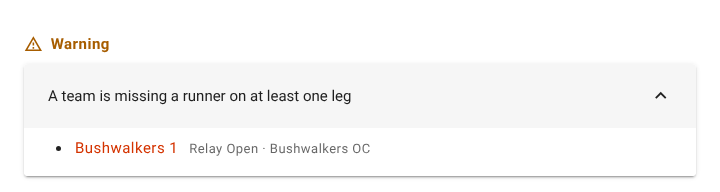
What it means: a relay team has an empty leg. Shown with its class and club.
How to fix it: click the team and put a runner on each leg in Edit team. See Building teams.
A competitor in a relay class is not on a team
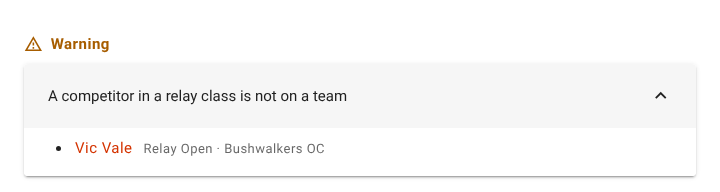
What it means: the competitor is entered in a relay class but not on any team, so their leg can't count for anyone.
How to fix it: add them to a team on the Teams page, or move them to an individual class.
A competitor has no start time, though others in their class have one
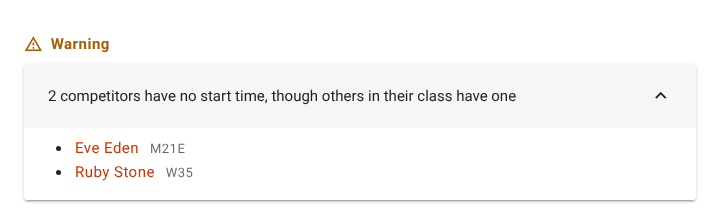
What it means: the rest of the class has start times and this competitor doesn't — usually a late entry added after the draw. (A class where nobody has a start time is a punching start, and isn't reported.)
How to fix it: click the competitor and give them a start time, or let them punch the start. See A runner with no start time.
A start conflict
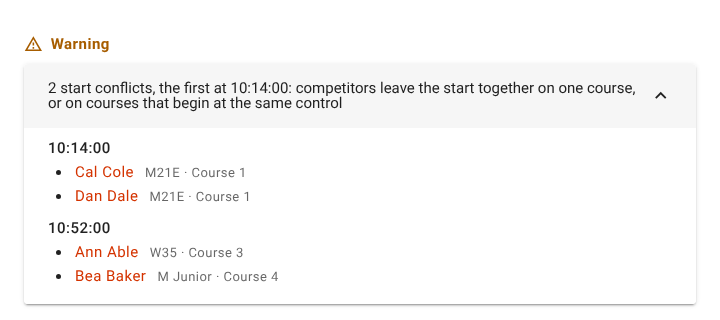
What it means: competitors leave the start at the same time on the same course, or on courses that begin at the same control, so they can follow each other. They are listed under the time they share, with their class and course; a class mass start is listed as the class.
How to fix it: often intended — a chasing start, or classes sent off together on purpose — and then nothing. Otherwise click a competitor and move their start time, or redraw. See Lanes that share a first control.
Info
Info never stops a start. Fix it when it suits you.
A class has nobody entered
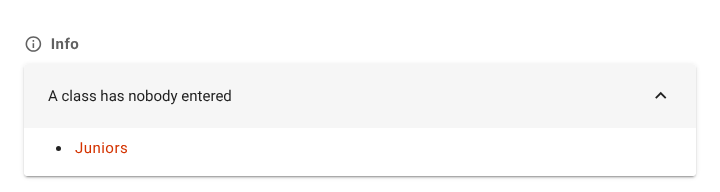
What it means: nobody is in the class. Fine if late entries may come.
How to fix it: leave it, or click it and delete it in Edit class.
A course is not used by any class
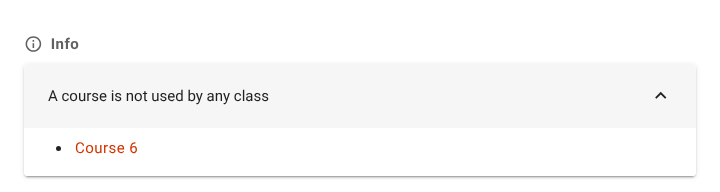
What it means: no class runs the course. Often a spare or a course left over from the course file.
How to fix it: leave it, give it to a class, or click it and delete it in Edit course.
A competitor has only a given or a family name
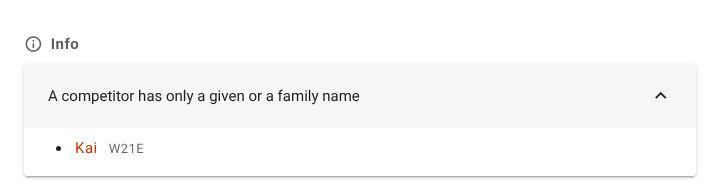
What it means: one half of the name is missing. Fine for a group on one card or someone known by one name.
How to fix it: click the competitor and fill in the other half, if there is one.
A competitor has no club
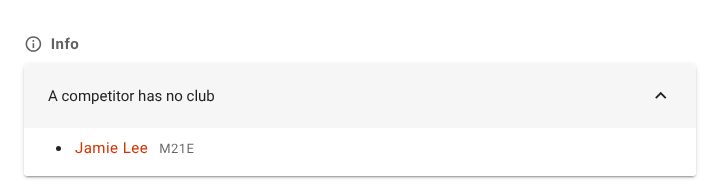
What it means: the competitor has no club. Fine for a casual entrant; results show the club blank.
How to fix it: click the competitor and choose their Club.
A competitor shares a name with someone in another club
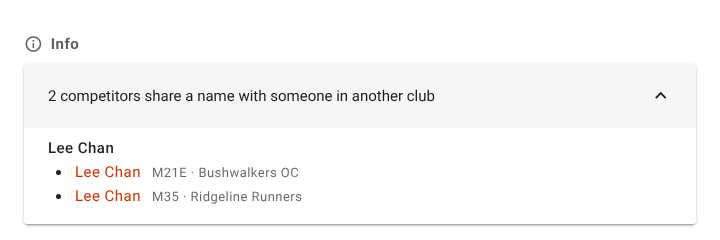
What it means: two competitors in different clubs have the same name. Common names are common, so it's usually two people; the clubs beside them are what tell them apart. It is worth a look when a club may have been entered wrongly.
How to fix it: nothing, if they are two people. Otherwise click the entry that's wrong and fix its club, or delete it.
Related
- The event dashboard — starting and finishing the event
- Pre-event checklist
- Resolving issues on the day